Quest markers are optional
Titan Roc says quest markers can be enabled or disabled in the gameplay settings, so the map can support either guided or exploration-first play.
System · Source checked August 9, 2026
Enable quest markers if you want guidance, pin the current objective, then use the map marker and compass together; the compass glows green inside a search area.
Verified route
Open the gameplay settings and confirm that quest markers are enabled if you want map guidance.
Pin the quest objective you are actively following.
Use the map marker for the destination and the compass indicator while moving through the world.
For search-area objectives, watch for the compass to glow green after entering the target radius.
Open the linked regional guide when the objective is a collectible sweep rather than a quest marker.
Confirmed system notes
Titan Roc says quest markers can be enabled or disabled in the gameplay settings, so the map can support either guided or exploration-first play.
The official April 2026 progress report says the compass points toward a pinned quest objective and complements the marker shown on the map.
When an objective asks you to search an area, the compass is reported to glow green after you enter the search radius.
The official map does not replace collectible sweeps. Forest Edge and South Vale Hamlet each have separate source-backed regional totals and route notes on this site.
Evidence boundary
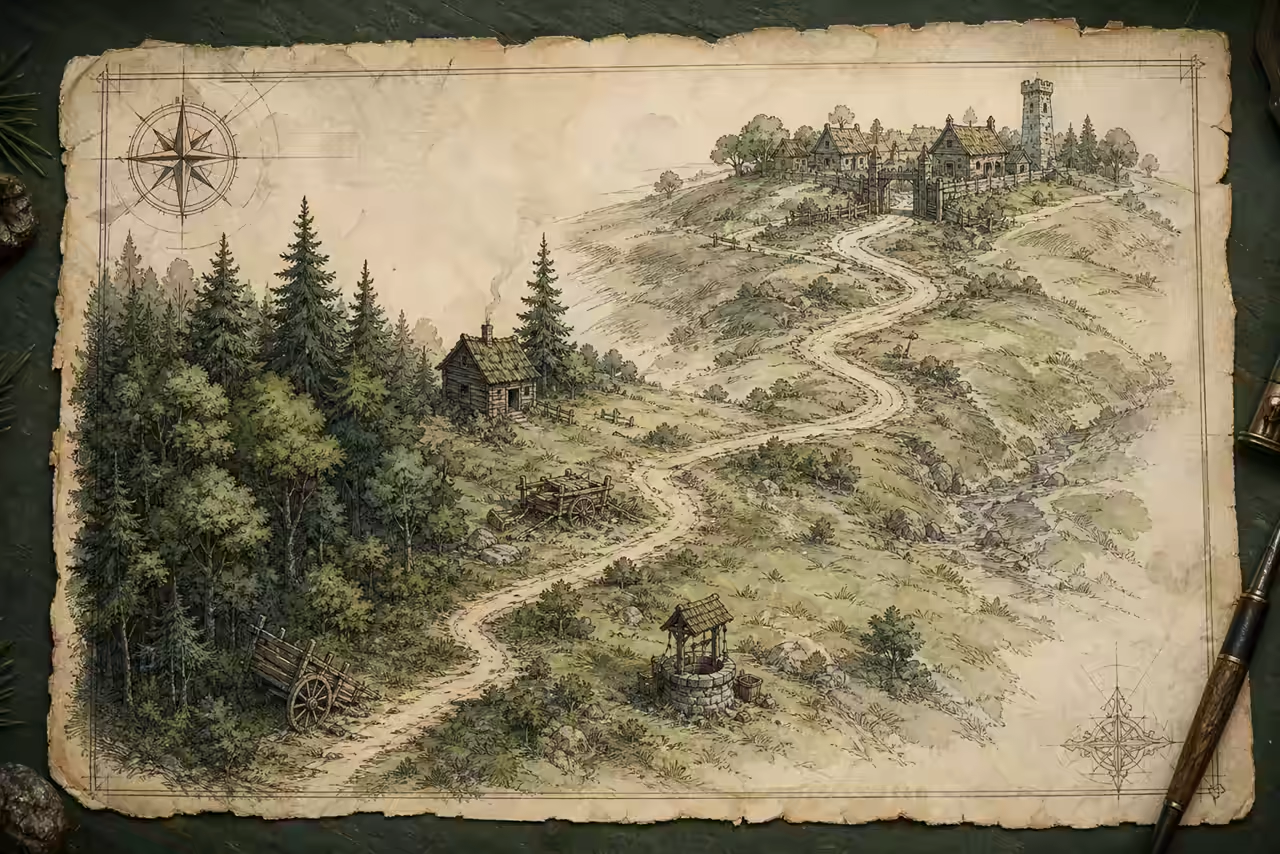
This answer reproduces only the ordered actions and landmarks described by the linked source. The illustration is not used to infer additional routes, objects or rewards.
Read Titan Roc map and HUD progress reportsCross-check: Titan Roc April 2026 compass-marker updateCross-check: CritViews regional collectible indexContinue the route